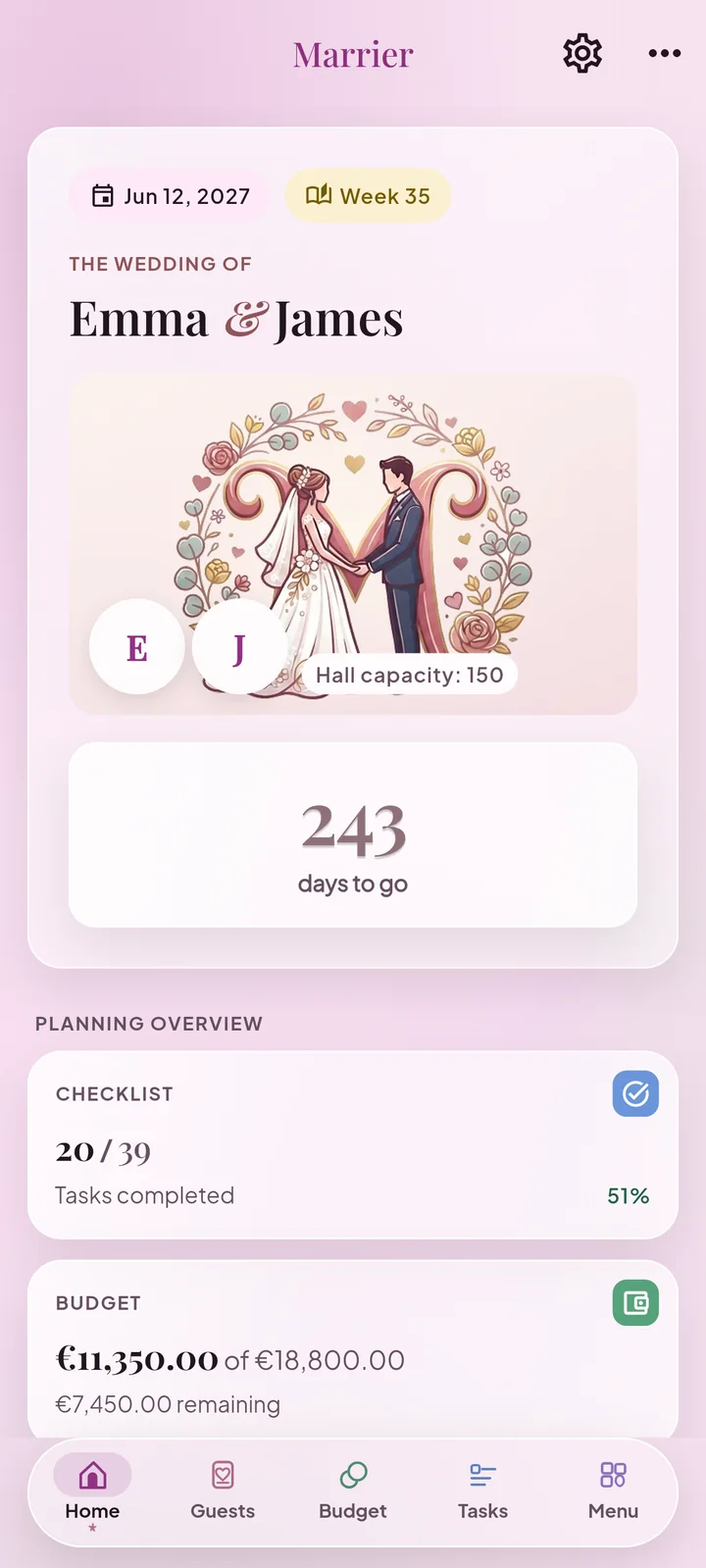
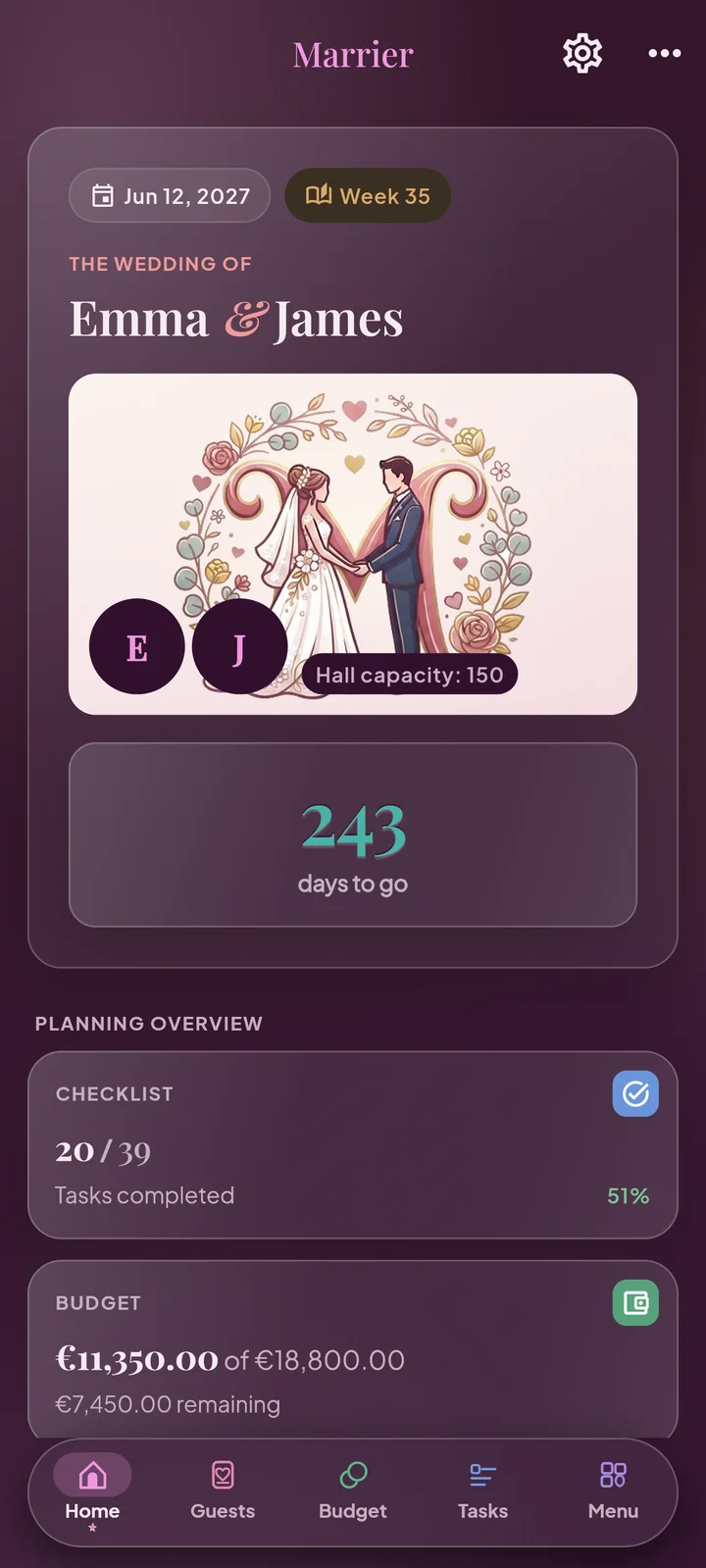
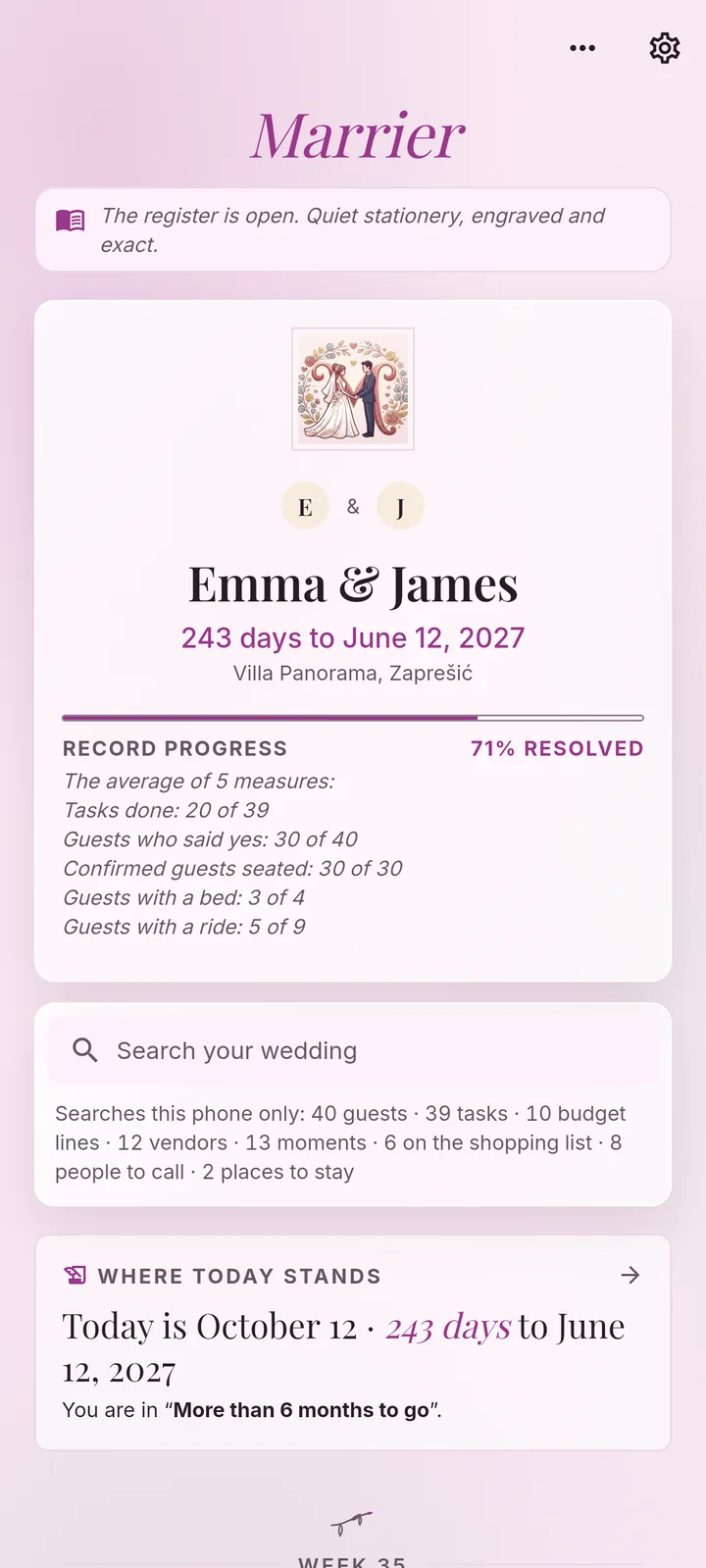
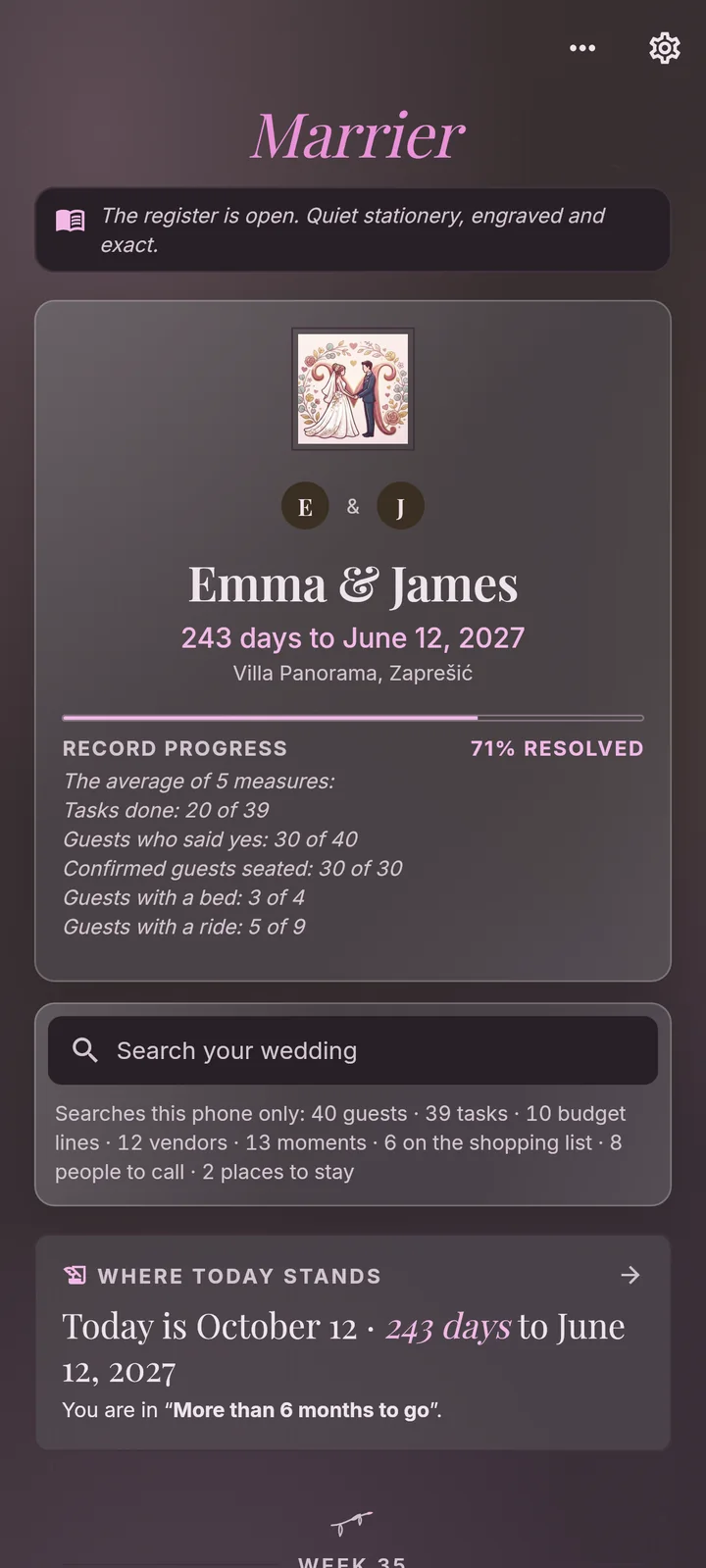
The checklist, the guests and their replies, the budget, the seating and the day itself, in one calm app. No account, no ads, no cloud: it all stays on your phone.
Marrier builds your plan backwards from the date, so every step arrives when you need it.
A year before
A checklist from your date
Enter the date and the whole task list appears, every due date still ahead of you. Add packs for the civil paperwork, a name change or the day-of bag.
Months before
Guests and replies
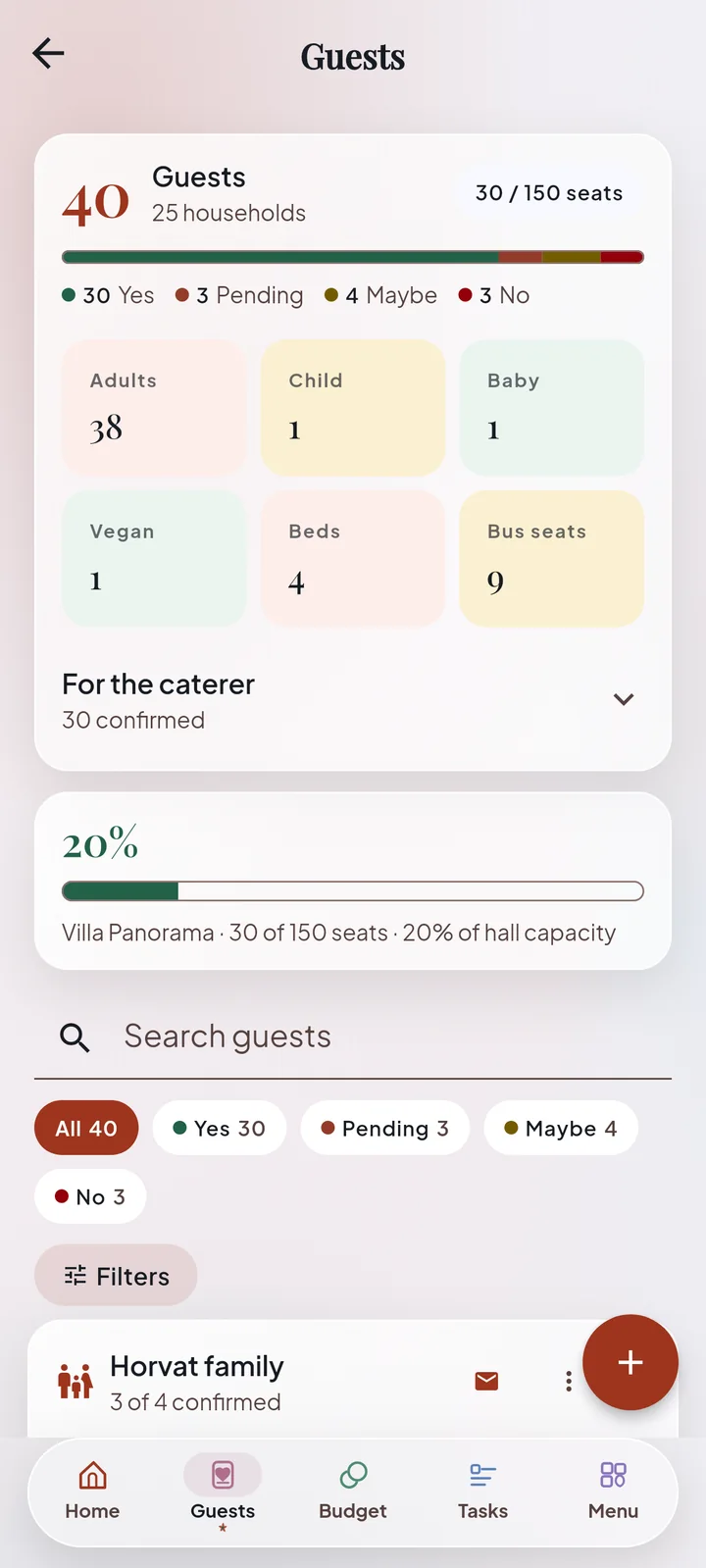
Households, plus-ones, children, meals and diets. Add guests from your contacts and nudge anyone who has not answered.
All along
Budget and payments
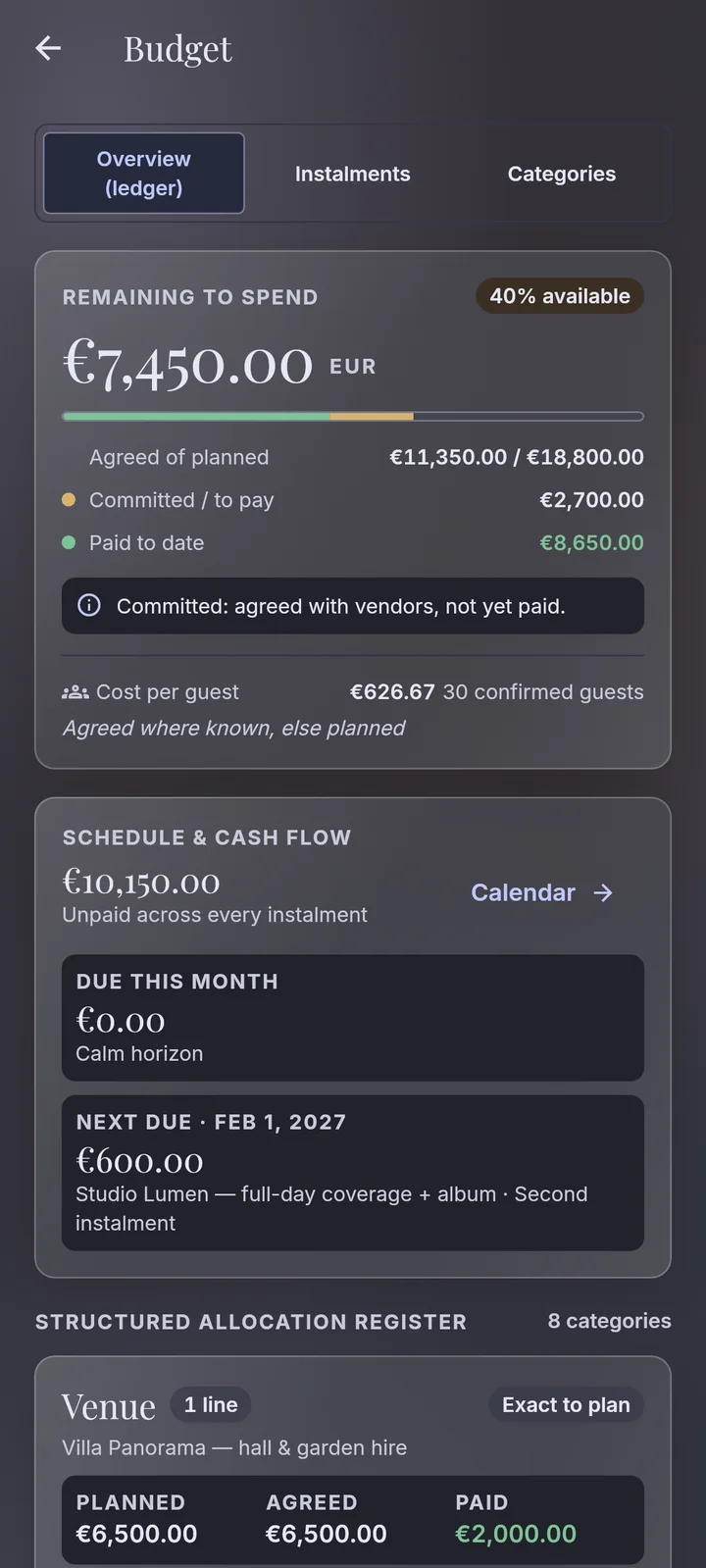
Planned, agreed and paid for every category, the cost per guest, and every instalment with a reminder before it is due.
Weeks before
Seating
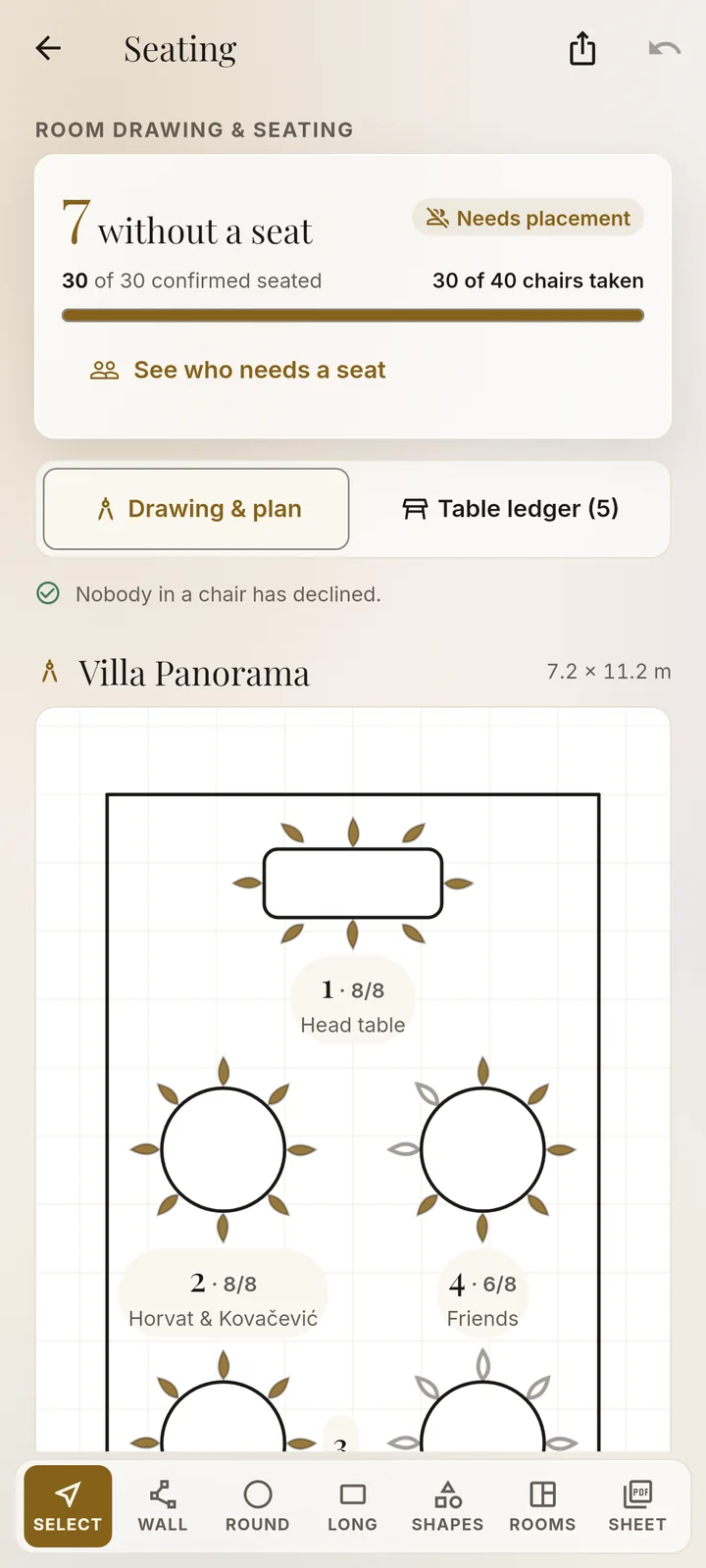
Draw the room, place round or long tables, the dance floor and the bar, and give everyone a seat.
On the day
The run of show
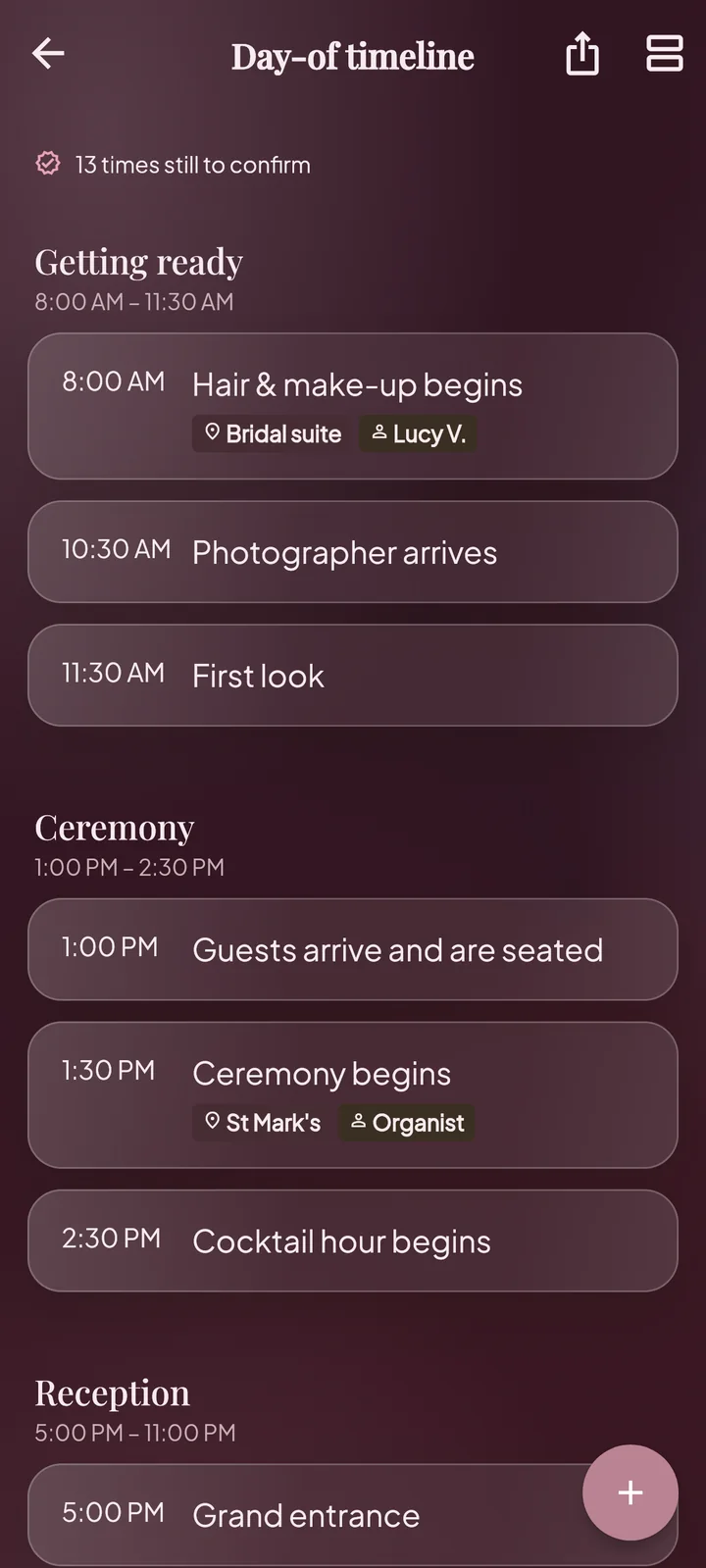
Minute by minute, ticked off as it happens, with a who-to-call sheet and a check-in screen for the door.
After
Thank-yous and a keepsake
Gifts and thank-you notes, then the whole wedding in one keepsake PDF.
Guests
Every guest, every reply
One list for every guest and household: replies, plus-ones, children, meals, diets and allergies, which events they are invited to, where they sleep and how they travel. Paste a whole list or pick people from your contacts.
Budget
Know what is paid and what is due
Planned, agreed and paid for every category, the cost per guest, and every deposit and instalment with its due date and a reminder before it.
Seating
Draw the room, seat everyone
Draw your room to scale, place round or long tables, the dance floor and the bar, and seat every guest. Export who sits where as a PDF or a CSV file.
The day itself
The day, minute by minute
A run of show you tick off as the day happens, speeches, the first dance, music for the ceremony and the party, a shot list for the photographer, and a check-in screen for the door you can hand to a helper.
Two looks. Fourteen palettes.
Joyful is bright and generous; Atelier is calm, like good stationery. Every screen changes with the look, not just its colours. Pick either one, light or dark, in any of fourteen palettes.
Your plans stay yours
Marrier has no account and no server. It does not even ask Android for internet access, so it cannot send your plans anywhere.
No account
Open it and start. Nothing to sign up for, no password to forget.
Offline, always
On a plane or in a venue cellar with no signal, it works the same.
No ads, no tracking
No analytics, no crash reports, no advertising ID. Nobody watches you plan.
A backup you keep
Save everything, photos included, to a file you keep, and restore it on a new phone.
The parts of a wedding nobody mentions until the week before. Hide whatever you do not need.
Invitations
Design a card or import your own, print several to a sheet, and see who has one.
Venues and vendors
Compare them side by side; mark one booked and the budget line and tasks follow.
Rooms and rides
Where out-of-town guests sleep and how everyone gets there and back.
Drinks and menus
Drinks worked out from the guests who said yes; adult and child menu prices.
A diet sheet
Every allergy and diet, ready to hand to the caterer.
Ceremony papers
What a religious or civil ceremony needs, and when.
Attire and fittings
What everyone wears, and every fitting with its date.
Speeches and the first dance
Who speaks and when, and your notes for the first dance.
Music and photos
Songs for the ceremony and the party, and a shot list for the photographer.
Gifts and thank-yous
Who gave what, and who still needs a card.
A daily question
A small question for the two of you, answered on one phone.
A home-screen countdown
A widget in four styles, so the date is always in sight.
Pay once. Keep everything.
One price on Google Play, with every feature included. No subscription, no in-app purchases, no ads. You plan for a year or more; your planner should not bill you every month for it.
Coming soon toGoogle Play
Questions couples ask
Does Marrier need the internet?
No. It works completely offline and has no internet access at all. Something leaves your phone only when you share or export it yourself, for example a PDF for the caterer or a WhatsApp reminder to a guest.
Can we both use it?
Yes, together on one phone. Marrier never goes online, so there is no account and nothing syncs between phones: choose one phone for your wedding and plan on it together. Whatever your partner needs on the go, like the seating chart or the day's timeline, you can send as a PDF.
What if I change phones?
Make a backup in Settings: one file with all your plans and photos. Copy it to the new phone and restore it there.
Is there an iPhone version?
Not yet. Marrier is on Android for now.
Which languages does it speak?
Forty, from Albanian to Vietnamese. You can switch the language in Settings at any time.
What happens after the wedding?
Tick off the thank-yous, then take the whole wedding with you as a keepsake PDF. Your plans stay on your phone until you delete them.